
Upgrading firmware on an HP 2620-24-PoEP from the GUI
First published on pushpanel.io as “How upgrade firmware on HP-2620-24-PoEP using GUI?”. The domain is no longer ours, so links to it were removed and the headline rewritten for this site; the text of the post is unchanged.
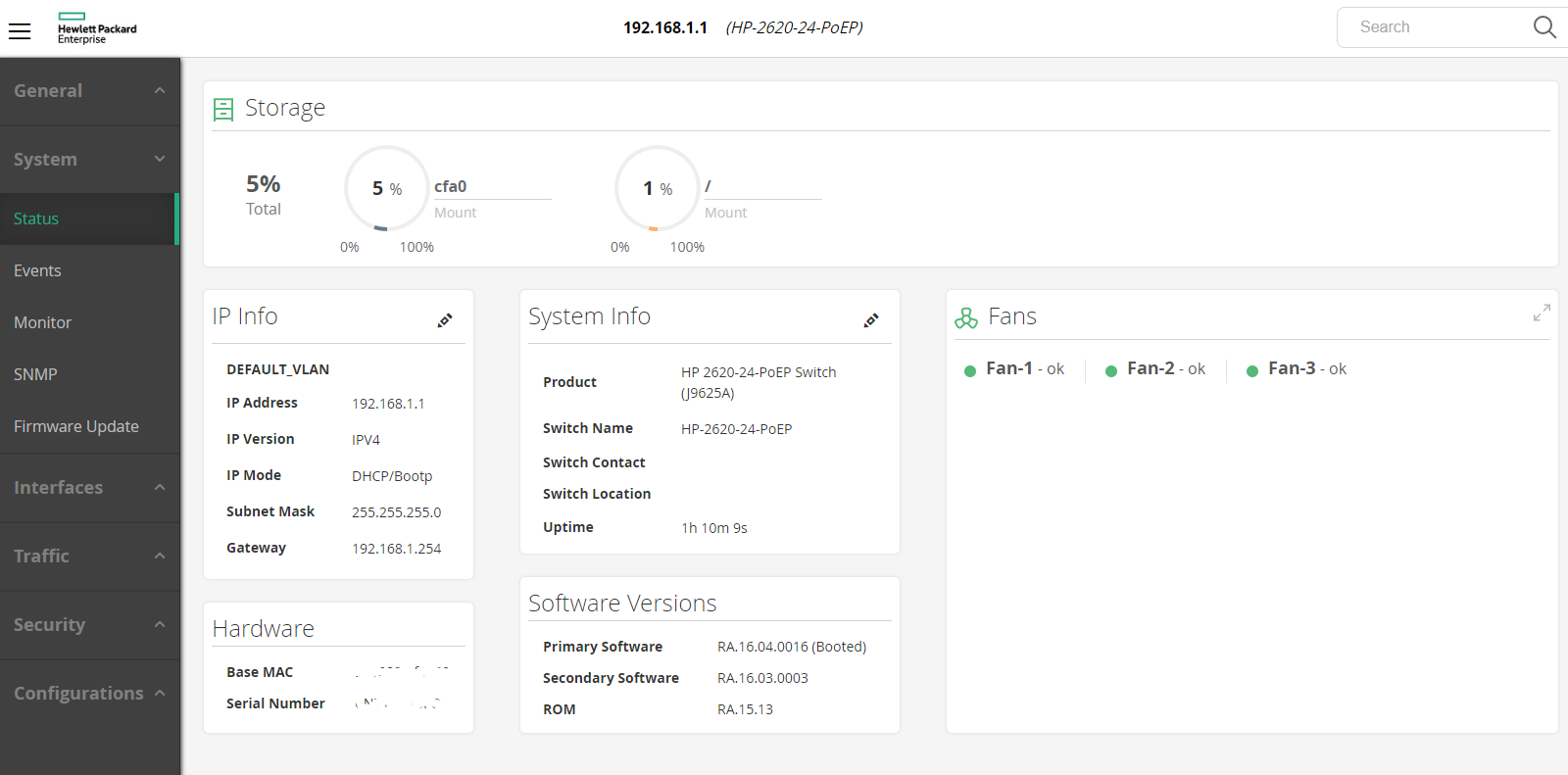
There are two versions, primary and secondary. This means you can boot device with one or second firmware making sure it will boot up.
The lastest HPE is providing these days is RA.16.04.0016
- Check the firmware version by accessing the GUI in SYSTEM > STATUS menu.
- Go to https://h10145.www1.hpe.com/downloads/SoftwareReleases.aspx?ProductNumber=J9625A
*If you need another model then go to https://h10145.www1.hpe.com/support/SupportLookUp.aspx URL and type J9625A(your model) into a search form. Then click on the Software Download from a list. - Download the proper *.SWI file into your computer.
- Proceed with command in SYSTEM -> Firmware Update ( update secondary first )
- Boot device from a secondary image to test if it works properly.